Forex prices can move quickly when important economic news comes out. Interest rate decisions, inflation reports and employment figures can all affect currency prices, sometimes within seconds of being released.
An economic calendar shows when these announcements are coming up. Traders can check the schedule before opening a position instead of finding out about an important report after it has already been published.
The calendar brings together dates, currencies, economic events and market expectations. Understanding the information in each column makes it easier to find the announcements that matter to a particular trade.
Understanding the Economic Calendar
Traders can use XTrade's economic calendar to check upcoming economic announcements and their scheduled release times.
At the top of the calendar, there are tabs for different days of the week, along with an All option that shows the events together. Traders can switch between the displayed days or scroll through the list to find upcoming announcements.
The table includes seven columns:
- Date: The scheduled date and time of the announcement.
- Currency: The currency linked to the event, such as USD, EUR or GBP.
- Message: The name of the economic report or announcement.
- Impact: A star rating showing the expected importance of the event.
- Actual: The result published when the figures are released.
- Forecast: The expected result before publication.
- Previous: The figure reported for the earlier period.
The Impact column uses stars to show which events are expected to attract more attention. A higher rating suggests that the announcement may be more important to the market, but it does not guarantee a large price movement.
Traders should also check which time zone applies to the displayed release times before relying on the schedule.
Reading the Figures in Each Row
The Previous, Forecast and Actual columns are particularly useful when following economic reports.
Previous shows the earlier reported figure. It provides a reference for the new result, although some economic data can be revised later.
Forecast shows what economists expect before the announcement.
Actual displays the reported result once the figures have been published. Before that happens, the field may be empty.
For example, an inflation report might show a previous reading of 2.5%, a forecast of 2.6% and an actual result of 2.4%.
In this example, the latest figure is lower than both the earlier reading and the forecast. These numbers are for illustration only and are not taken from a real economic report.
The figures also need to be read in the context of the event listed under Message.
An inflation report may show percentages, while an employment report might show changes in the number of jobs. Other announcements use different measurements.
On the XTrade calendar, selecting an event can also display additional information about the economic indicator, including details about the reported figures.
Finding Events That Matter for Forex Trading
Not every event on the calendar will be relevant to the currency pair a trader is following.
Someone trading EUR/USD will usually focus on major announcements linked to the US dollar and the euro. A trader following GBP/USD may also want to check economic reports from the United Kingdom.
The Currency column helps identify these announcements without having to read every event in the list.
The Message column shows what is being published. This might be an interest rate decision, an inflation reading, an employment update or a report on economic growth.
For traders interested in forex trading, checking the currencies linked to important releases is a practical way to prepare for the trading day.
It is also worth checking the dates of major announcements before opening a position that may remain active for several days.
Checking the Calendar Before Opening a Position
The calendar is useful before placing an order, especially when important economic figures are due to be released that day.
Start by checking the Date column for upcoming announcements. If a major report is scheduled soon, traders can consider how it might affect an open or planned position.
Next, look at the Currency and Impact columns. These show which currencies are linked to the event and how important the release is expected to be.
The Forecast and Previous figures provide background before the new result becomes available.
During major announcements, forex prices can change quickly. Spreads may widen, and orders may be filled at prices different from those requested.
The calendar does not tell traders whether to buy or sell. It gives them the release schedule and the figures they need to follow.
Following Economic News From a Phone
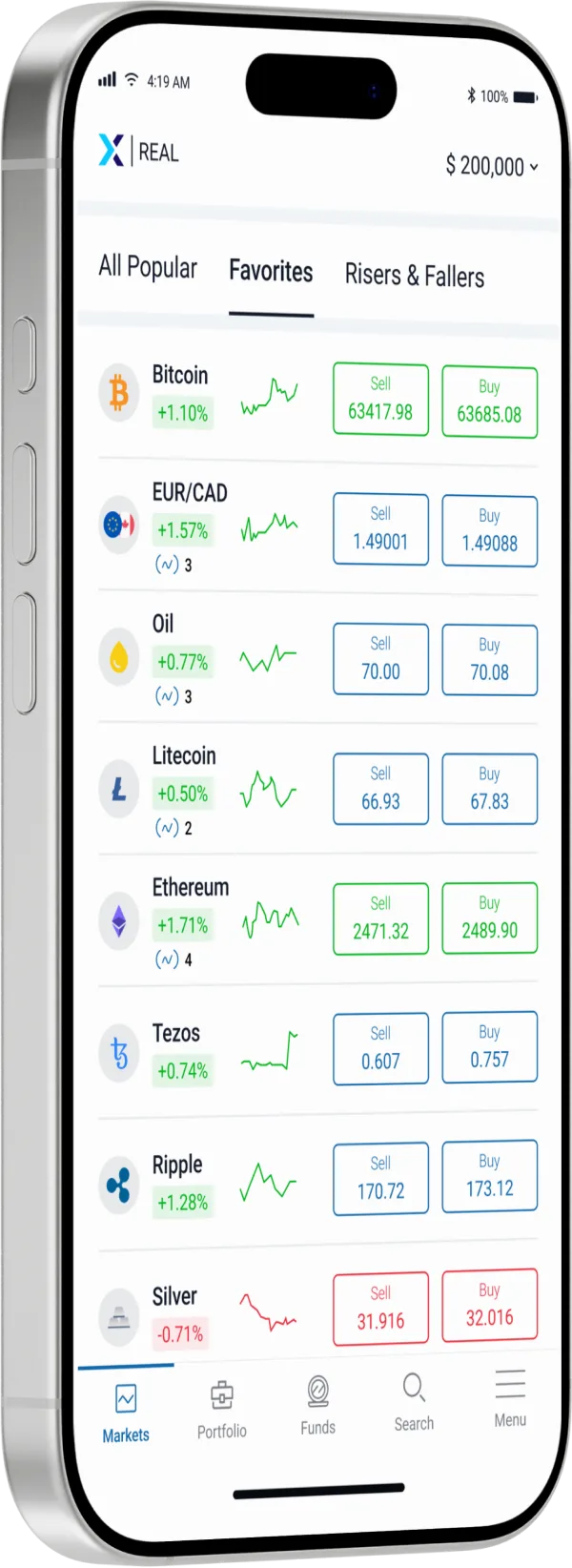
Many traders use their phones to check prices, follow open positions and manage orders during the day.
When trading forex from a phone, the economic calendar can be opened through a browser to check whether any important announcements are coming up.
For someone looking for a forex trading app for beginners, useful features include clear price charts, access to open positions and simple order controls.
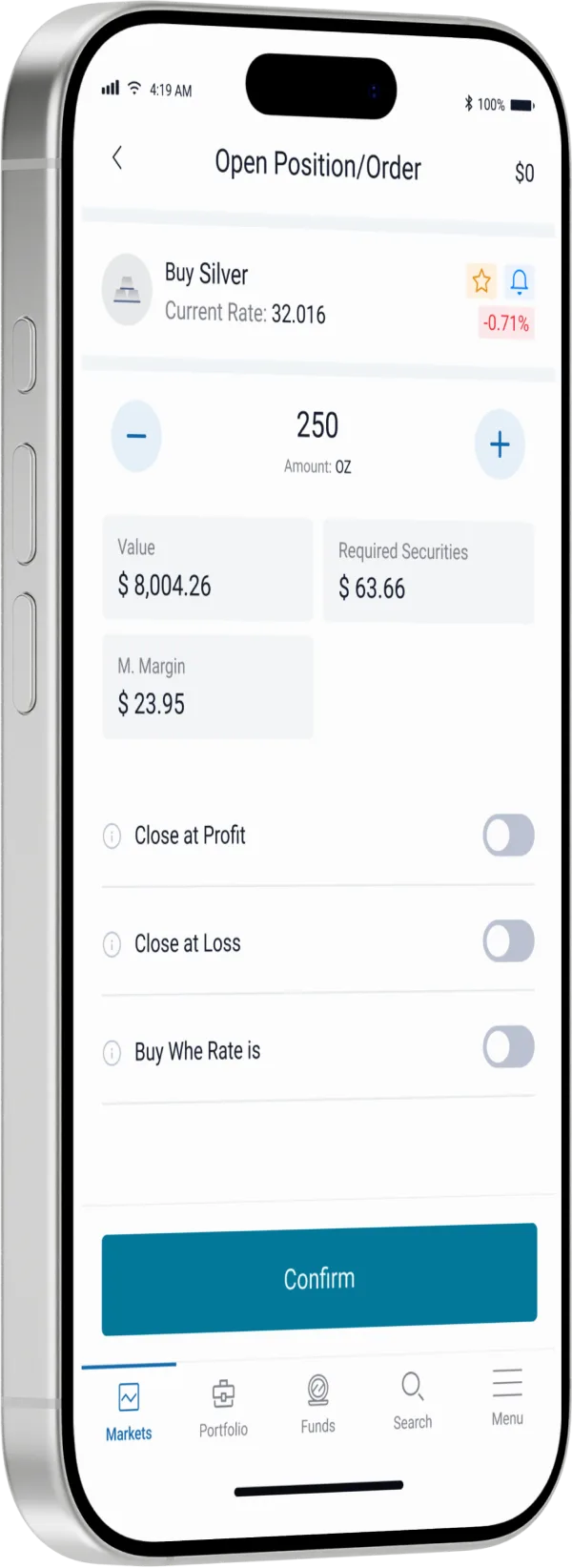
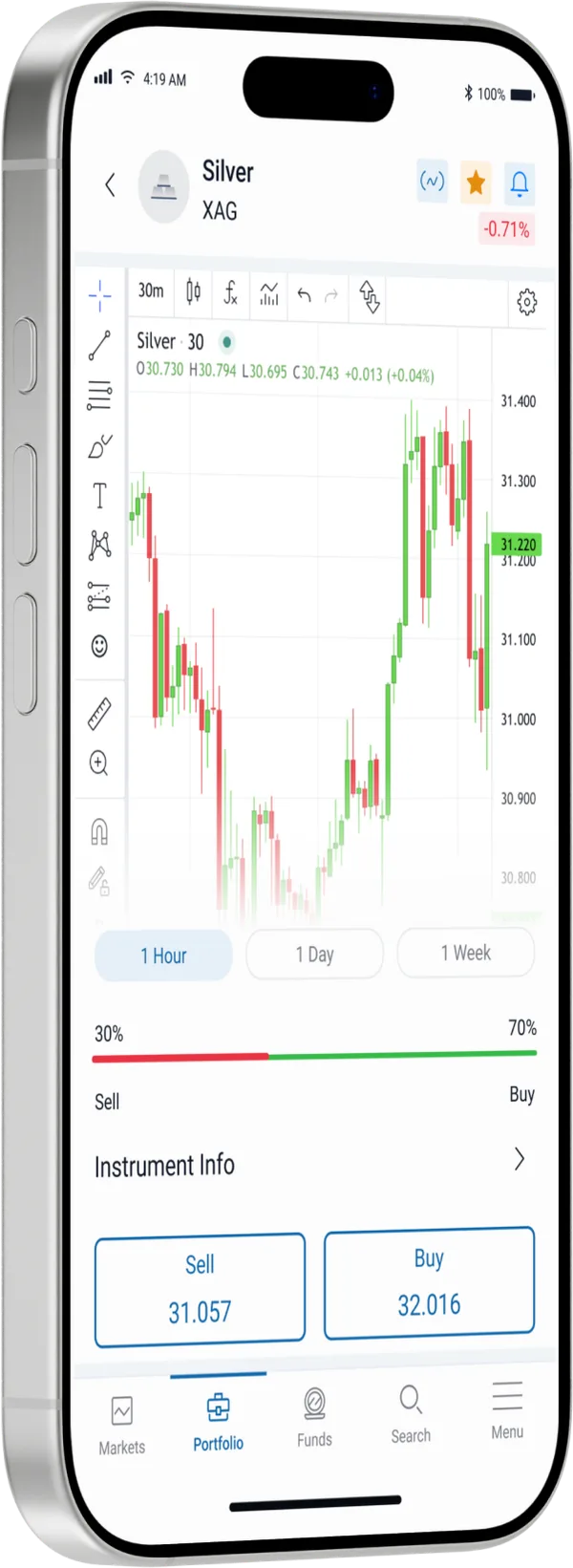
The Android trading app provides access to trading charts, positions and account information from a mobile device.
Traders using a mobile trading app can check the economic calendar separately before making a decision about an open or planned trade.
When choosing an app for trading from a phone, easy access to account information matters. The calendar can be used alongside the app to keep track of scheduled economic news.
Using the Calendar During the Trading Day
An economic calendar is not only useful before the market session begins. Traders can return to it throughout the day to check whether scheduled reports have been published.
Once the Actual figure appears, it can be compared with the Forecast and Previous columns.
The calendar may also show updated figures for earlier periods, depending on the economic report.
A result that differs from expectations may attract market attention, but the numbers alone do not tell traders which direction prices will move.
The All tab provides an overview of the listed events, while the day tabs make it easier to focus on a particular date.
Checking the calendar regularly gives traders a clearer picture of what is scheduled without having to search for every economic announcement separately.
It is a practical tool for following market news and checking which events may be relevant to the currencies being traded.